Block Content with /etc/hosts
Blocking ads, trackers and other unwanted content using an ad-blocker is useful, easy and convenient.
However, it takes up system resources.
Using the /etc/hosts file on Linux and MacOS to block unwanted content system-wide can mitigate this issue.
It makes your browsing experience snappier, and applies to every browser installed on your system.
Why?
Using the /etc/hosts file is better since the block comes directly from your system.
When a website requests an unwanted link, what happens is:
- The browser starts loading the content
- The ad-blocker recognizes the content
- The ad-blocker blocks the content
However, when using a system-wide, local method like the /etc/hosts file, the system blocks (or redirects) the request altogether.
This leads to a snappier browsing experience, since the number of steps is less, and it’s happening at an earlier stage.
How?
The /etc/hosts file basically works like a tiny DNS override.
It maps hostnames to IP addresses.
In simple terms, it tells the system what IP address a specific hostname corresponds to.
For example, if I write the following in my /etc/hosts file:
0.0.0.0 www.youtube.com
It will tell my system that www.youtube.com should lead to 0.0.0.0, which is localhost.
Since there is (usually) nothing running on localhost on a system, browsers usually say that the website is unable to connect.
This is the process to blocking a single website.
Hostfiles
It is impractical to add every single site you don’t want connecting.
Thankfully, many people online have different hostfiles to simplify the process.
These hostfiles are filled with unwanted content, and just require copy-pasting in your /etc/hosts file.
One of the best hostfile repositories is Steven Black’s Unified Hosts.
There are 31 different host file variants, each offering different types of blocking functionality.
To use any one of them, just open the respective host file, copy everything except the localhost configuration in the beginning, and paste it in the end of your /etc/hosts file.
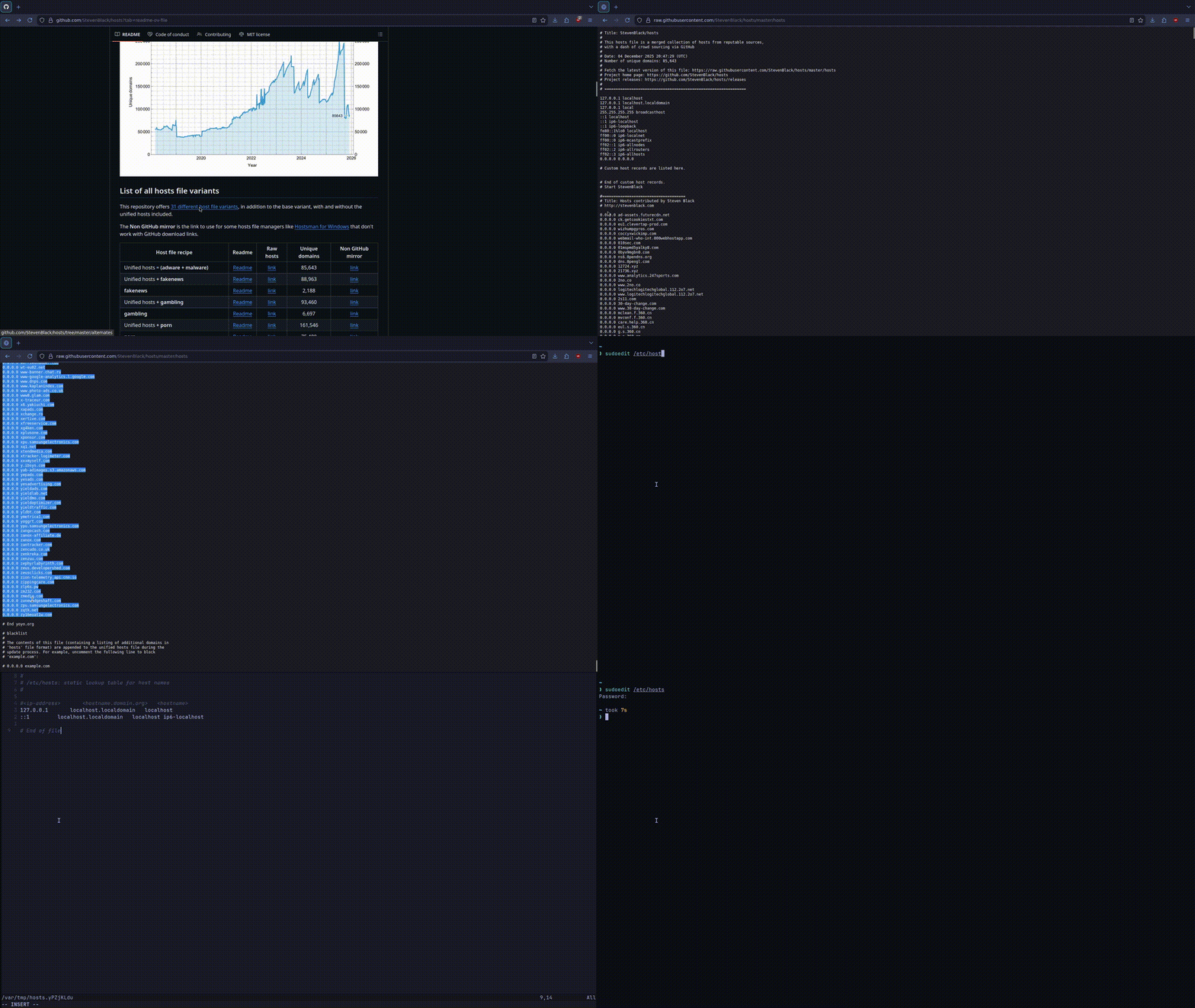
It’s as simple as that!